Every client site starts from one of two places: a Figma design file or a theme from our Lexington library. The studio’s agent turns it into a fast static site, gives the client a Sanity editing studio for their words and pictures, and serves it from Cloudflare’s edge. When the client is happy with a change, they press one button and it’s live.
One page, four layers
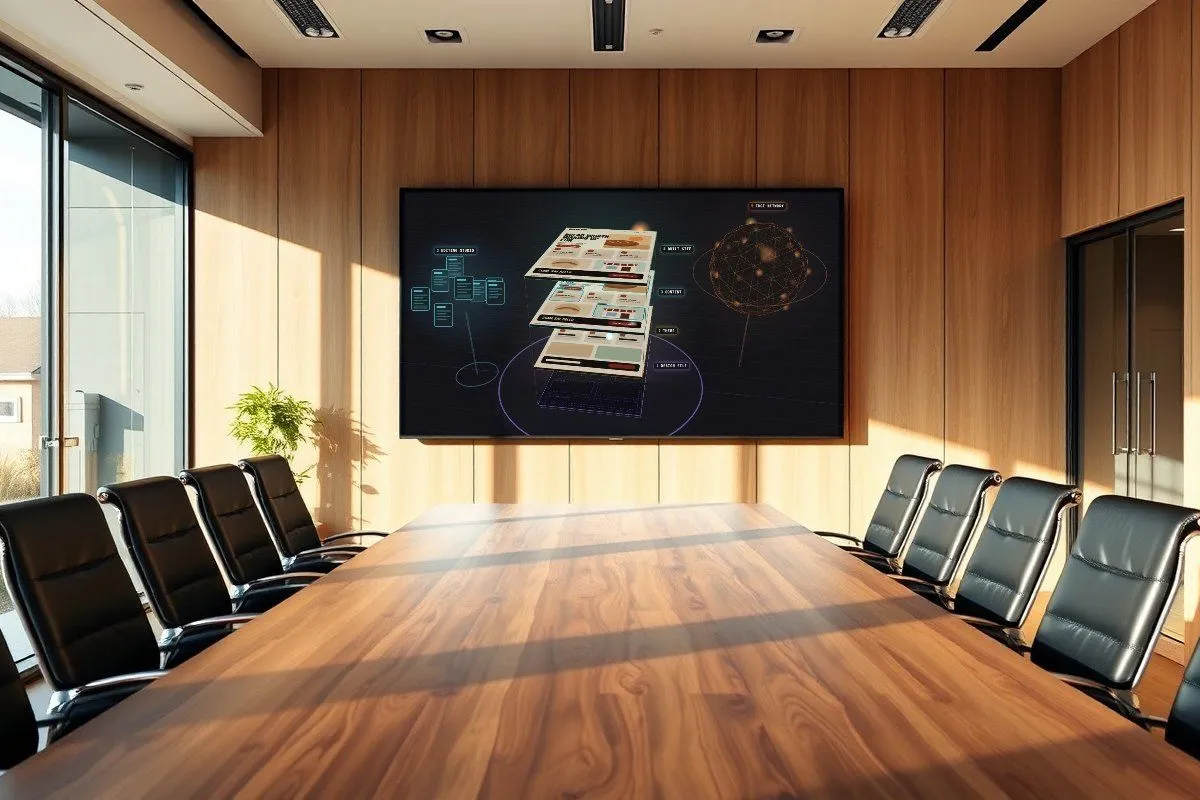
A client page, pulled apart into the layers the pipeline builds up. The design sits at the bottom, the finished page at the top, the editing studio feeds content in from the side, and the edge network on the right serves the result. Drag to look around, hover a layer, click one or pick a step below to follow it. The motion is illustrative, and the bakery is made up.
Three trips through the pipeline
Two ways a site gets made, and what happens every time the client publishes after that.
From a design file
The client already has a Figma design
- Design file : Their existing Figma file, read straight from the file.
- we decide together → Frames to pages : Which frames become which pages, chosen file by file.
- agent skill → Sections : Each part of the design becomes a section the client can move, add or remove.
- packed as → A theme : From here it travels the same road as a library theme.
From a theme
A theme becomes a client site
- Theme : A Lexington theme, or the one made from a design file.
- agent skill → Site build : The site’s content model is read from the theme, so every field is editable.
- sets up → Editing studio : The client’s own Sanity project, seeded with the starting content.
- first deploy → Edge hosting : A Cloudflare site on its own subdomain, then the client’s domain.
- snapshot → Saved version : Every deploy is kept, so any version can come back.
Go live
The client presses the button
- Editing studio : Edits are saved as drafts. Publishing makes them final.
- one click → Go live : The Website tab sends a signed request to a small relay.
- private repo → Build : Pulls the published content and builds static pages.
- deploys → Edge network : The new pages replace the old ones everywhere at once.
- reports back → Status in the studio : “Live” shows in the Website tab, about 90 seconds later.
What the client sees
A working mock of the editing studio a client gets. Change a headline, swap a picture, drag sections into a new order or add one. The preview updates as you type, and clicking any part of it opens its fields. Publish, then open the Website tab and go live. Nothing here leaves your browser.
Who does what
The studio
Builds it once, keeps it healthy
- Picks the starting point with the client: their design file or a library theme.
- Builds the site and its content model, so every visible word and picture is a field.
- Sets up the editing studio, hosting and the Go live button, then hands over the keys.
- Keeps saved versions and can roll back any deploy.
The client
Owns the words and pictures
- Edits text and images in a browser, with a live preview beside them.
- Rearranges pages from ready-made sections that always match the design.
- Publishes when ready. Drafts never show on the public site.
- Goes live on their own with one button, no developer needed.
Trade-offs
Static
Pages are built ahead of time. They load fast and there’s no server to patch. The cost is a short build each time the client goes live.
Manual go-live
Nothing goes live by itself. Publishing saves the content; the client decides when the public site changes.
Sections, not freeform
Clients arrange sections, they don’t draw pages. That keeps every page on-brand, but a truly new layout is a studio job.
Design files
Every design file is different. Which frames become pages is decided with the client file by file, never guessed.
Versions
Every deploy is saved. A bad change is a restore away, but the studio does the restoring.