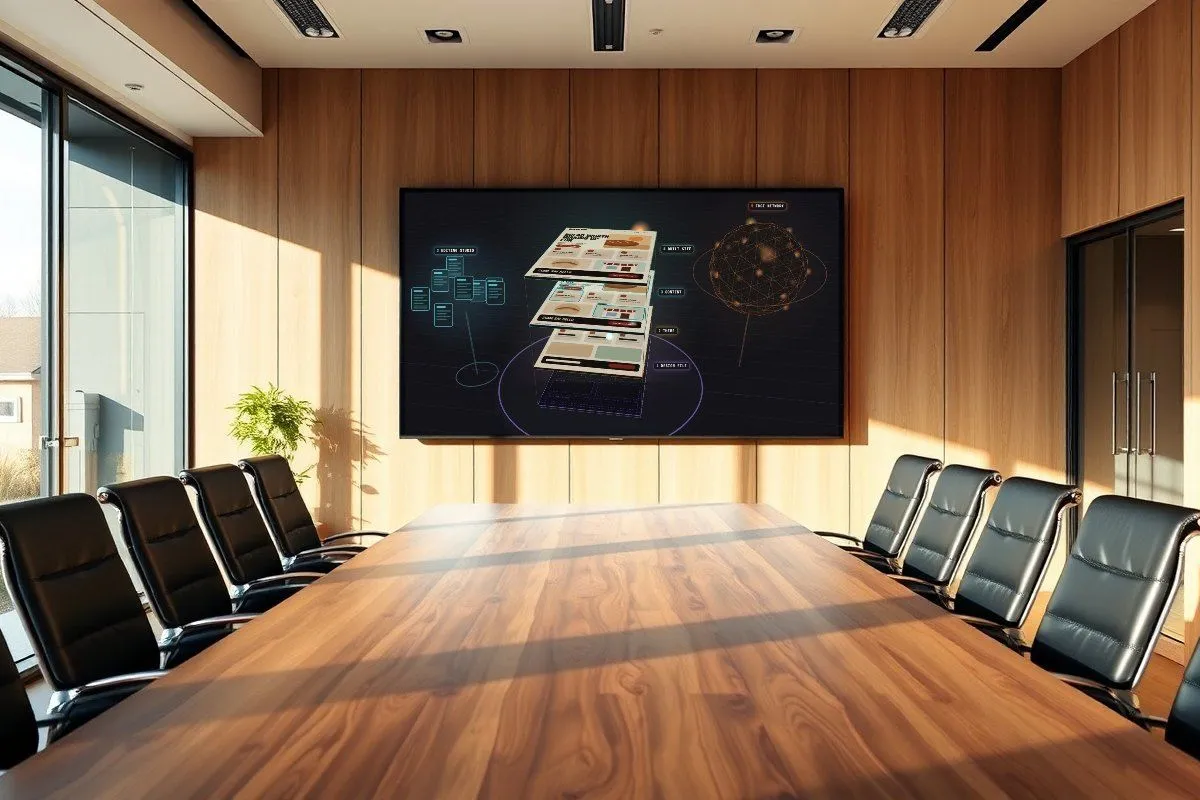
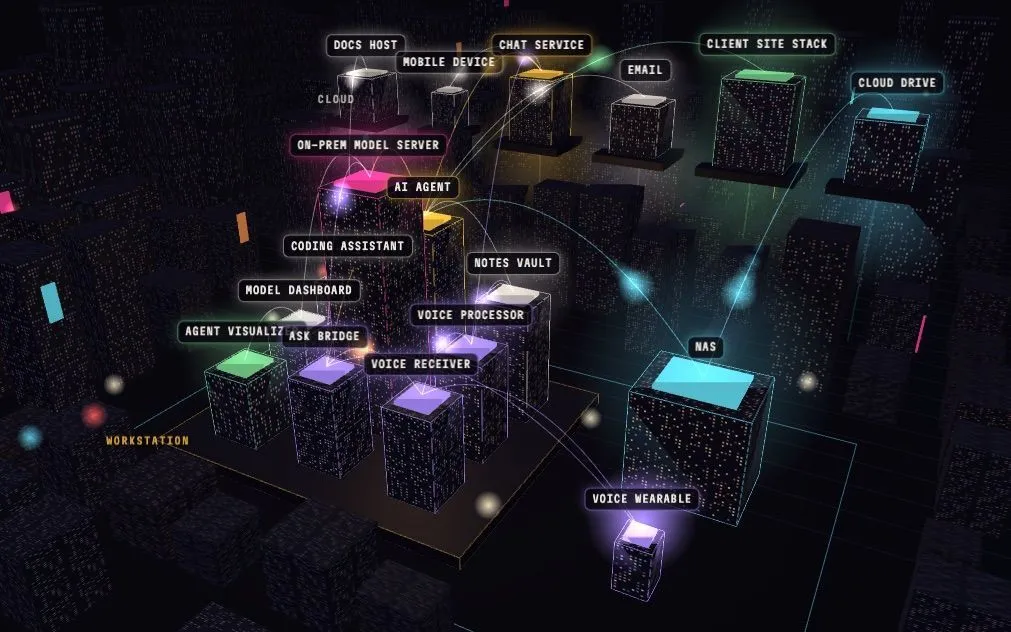
One always-on workstation runs the studio’s AI agent, its on-prem language models and the services behind a small voice wearable. A NAS holds the client files and mirrors them to a cloud drive. We talk to all of it through a chat app. Client websites are the only part that lives fully in the cloud.
Data in motion
The lab as a neon district. Each tower is a service; each light is data on its way somewhere. Drag to look around, hover a tower to see what it talks to, click one to follow only its traffic, or pick a trip below. The traffic is illustrative and isn’t read from the live system.
What talks to what
Four trips through the lab
What actually happens, hop by hop, when you use it.
Voice note
You tap record on the watch
- The wearable : Records, or keeps up to ~21 min of audio when away.
- Wi-Fi, when home → Voice receiver : Saves the clip, names it by recording time, skips repeats.
- picked up within 30 s → Voice processor : Speech-to-text transcribes it; a small on-prem model titles it.
- writes → Notes vault : A dated note in the studio vault.
- tells → Chat + visualizer : A ping on the mobile device; a little robot files it in the visualizer.
Question
You ask the wearable something
- The wearable : Pick quick or agent mode, then speak.
- Wi-Fi → Ask bridge : Transcribes the question. If it doesn’t answer, the wearable has the receiver restart it and tries again.
- one of two, by mode → Fast model or the agent : Quick: an on-prem answer in a few seconds. Agent: the full agent with its tools; the exchange also lands in chat.
- spoken by the OS → Back to the wrist : The answer plays on the wearable’s speaker.
Files
You drop a file for a client
- Drop folder on the NAS : Save or download into the drop folder.
- every 30 min → Drop sorter : Waits until the file stops growing, then reads the client code.
- copies, never moves → Client folder : Active projects, by client code.
- NAS cloud sync → Cloud drive : The whole share mirrors both ways.
- daily, 6 am → Vault index : Each client note lists its NAS files.
Client site
A theme or Figma file becomes a website
- Theme or design file : From the studio’s theme library.
- agent skills → Site build : Content model and pages, built on the Mac.
- sets up → Headless CMS : The client’s project and editing studio.
- private repo → CI build : Builds the site on every publish.
- deploys → Edge hosting : A subdomain per client. Editors publish with one button.
What keeps each piece running
Everything the wearable depends on runs as a system service and comes back on its own. Only the visualizer and the NAS sync depend on an app being open.
| Service | Kept running by | After a restart |
|---|---|---|
| AI agent | system service | Comes back |
| On-prem model server | system service | Comes back |
| Voice receiver | system service | Comes back |
| Voice processor | system service, every 30 s | Comes back |
| Ask bridge | system service; the receiver restarts it if it hangs | Comes back |
| Overnight research | system timer, 2 am | Comes back |
| Agent visualizer + dashboard | their desktop app | Only while the app is open |
| NAS sync engine | the NAS desktop app | Only while the app is open |
Thirteen jobs, all reporting to chat
Times are Pacific. “Script” jobs run a script and send its output without waking the model.
| Job | When | How | What it does |
|---|---|---|---|
| Inbox | |||
| Email catch-all | every 30 min | script | Reads the studio inbox (read-only) and triages into the vault. |
| Email guard | every 6 h | script | Checks the mail setup is still read-only. |
| Inbox brief-watcher | every 8 h | agent | Spots new client briefs. |
| NAS | |||
| Drop sorter | every 30 min | script | Files the drop folder into client folders. |
| Vault reindex | daily 6:00 | script | Writes each client’s NAS file list into the vault. |
| Studio | |||
| Todo nudge | daily 8:00 | agent | The day’s to-dos. |
| Time-log check-ins | weekdays 9:00, 17:00 | agent | Asks what you worked on. |
| Production board | Mon 7:00 | agent | Weekly roll-up of projects. |
| Client hub nudge | Mon 8:00 | script | Clients that need attention. |
| Invoice prep | last Mon 8:30 | script | Gathers the month’s billable time. |
| Research | |||
| AI news brief | Sun 8:00 | agent | The week in AI. |
| Stack review | 1st Mon 9:00 | agent | New versions and alternatives for the tools. Report only. |
Trade-offs
On-prem first
The models run at home. Notes, questions and client files stay on our own hardware. The cost is that the agent is only as fast as one machine.
One machine
The workstation does everything. If it’s off, the agent, chat replies, the wearable and the jobs all stop. Files stay safe on the NAS and the cloud drive.
Models
One big model, shared. The agent’s chats keep the large model busy, so the wearable’s quick answers use a smaller, faster one.
Sync
The NAS share syncs both ways. Moving or deleting a file there deletes it in the cloud drive too, so the sorter only ever copies.
Self-repair
Services restart themselves. Everything the wearable needs comes back after a restart, and a hung service gets restarted by its neighbor.