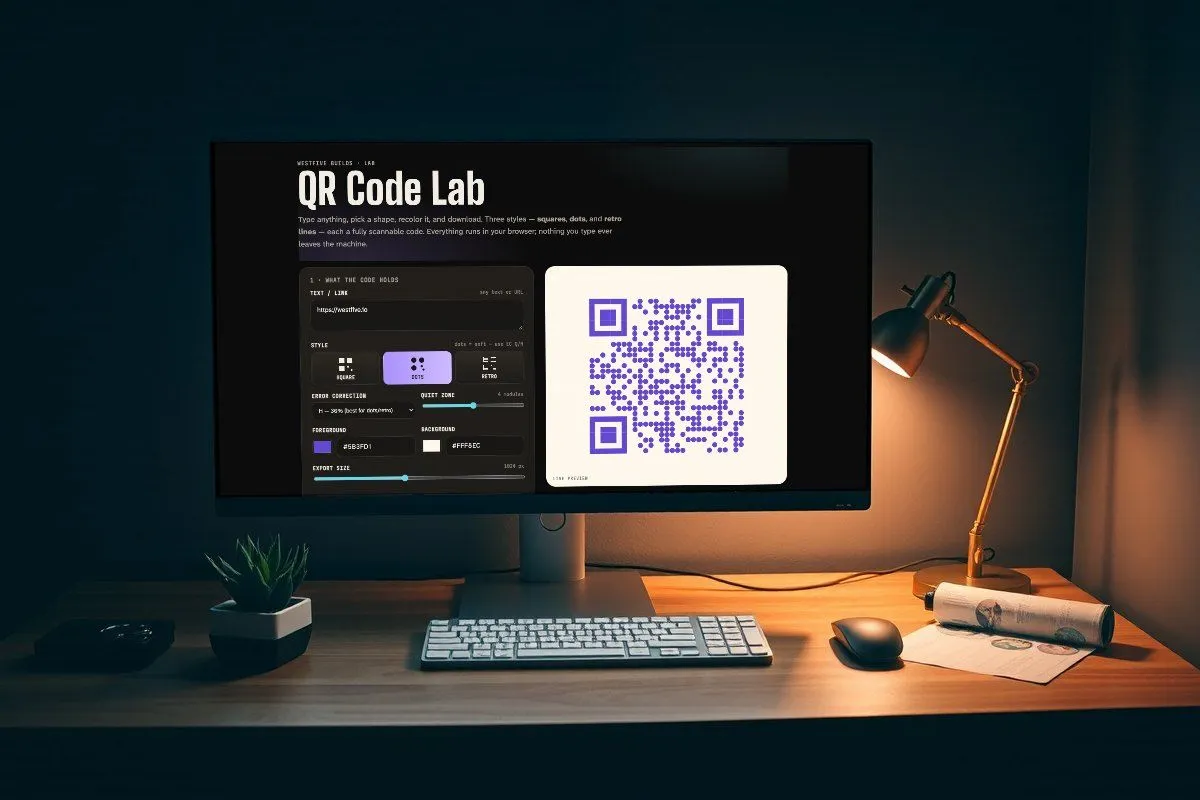
Type anything, pick a shape, recolor it, and download. Three styles — squares, dots, and retro lines — each a fully scannable code. Everything runs in your browser; nothing you type ever leaves the machine.
How this was made
Prompted through Hermes
This lab started as one message to Hermes, the studio’s agent. Hermes wrote the page, checked it in a headless browser, and handed it over.
- Built the page using the Silken look the other builds share, with qrcode-generator and jsPDF doing the encoding and the PDF.
- Added a third style, retro lines, because the prompt said “whatever else you think”.
- Found and fixed a bug in the SVG export of the retro style before handing it over.
- Checked every style and export in the browser: all three shapes, the PNG, the SVG and the PDF.
- Tuned for scanning before publishing: the three corner squares are always drawn solid and the retro bars are thicker, so every style decodes.
The prompt · Nov 9, 2026
Now also create a QR code lab that lets users create a QR code in plain text and also have three different styles, square pixels, circles and whatever else you think. Have options to download svg, pdf png and jpg, and options to have custom foreground color and background color
Sent to Hermes as written, typos and all. About 30 minutes from the prompt to a checked page.