The studio makes images on this Mac with two local models. Qwen-Image is for rough ideas and can’t be used in paid work. FLUX schnell is licensed for client work. Below, both models get the same six prompts so you can see where each one does better.
Two engines, two jobs
Both run offline on Apple silicon through mflux (MLX). Pick by what the image is for, not by which looks nicer. The license is the deciding factor.
Research · roughs only
Qwen-Image 2.1
- License: Qwen Research License. Non-commercial, so its images can’t go into paid client work.
- Use for: Concept roughs, moodboards, internal iteration, and type-heavy ideas
- Strength: Clean, large text inside the image (posters, lockups, logos)
- Profile:
rough: 12 steps ·cinematic: 30 steps - Speed here: ~20 s per image on average (1024², rough)
Client-facing · paid finals
FLUX.1 [schnell]
- License: Apache-2.0. Safe for commercial use, with no per-project sign-off.
- Use for: Anything a client sees or pays for
- Strength: Fast photoreal results with good light and materials
- Profile:
rough: 4 steps ·cinematic: 8 steps - Speed here: ~12 s per image on average (1024², rough)
Same prompt, both engines
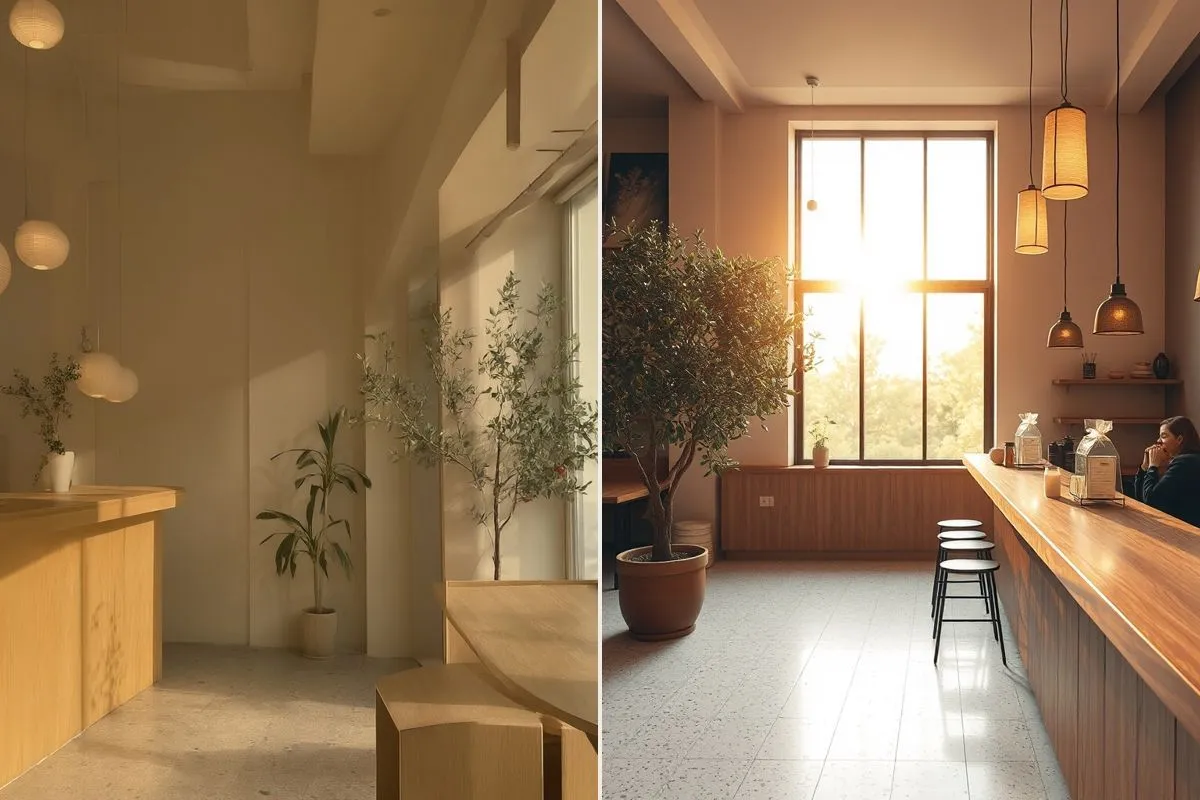
Six prompts that cover the studio’s usual work. Each pair was rendered on Nov 9, 2026 with the rough profile at 1024 × 1024 and has not been retouched. Copy any prompt to run it again yourself.
What the test showed
| Test | Better result | Why |
|---|---|---|
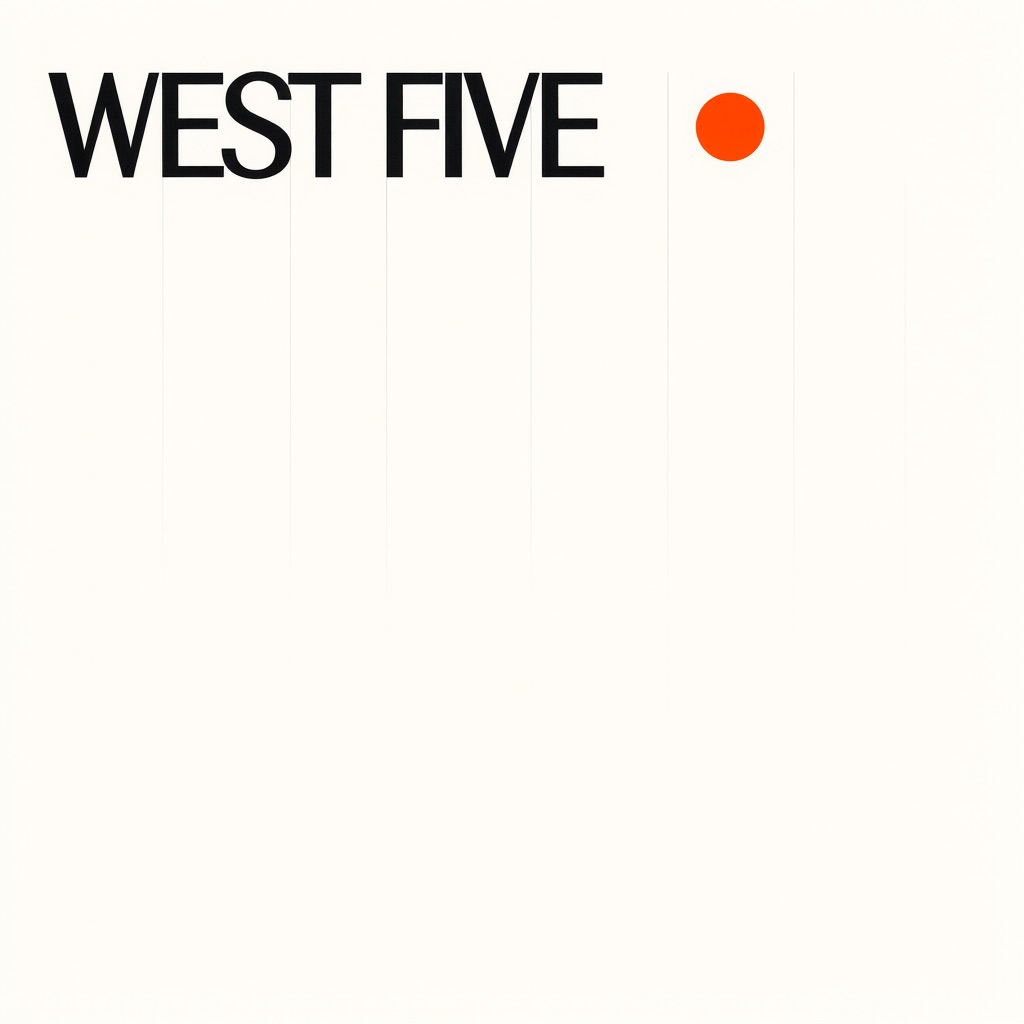
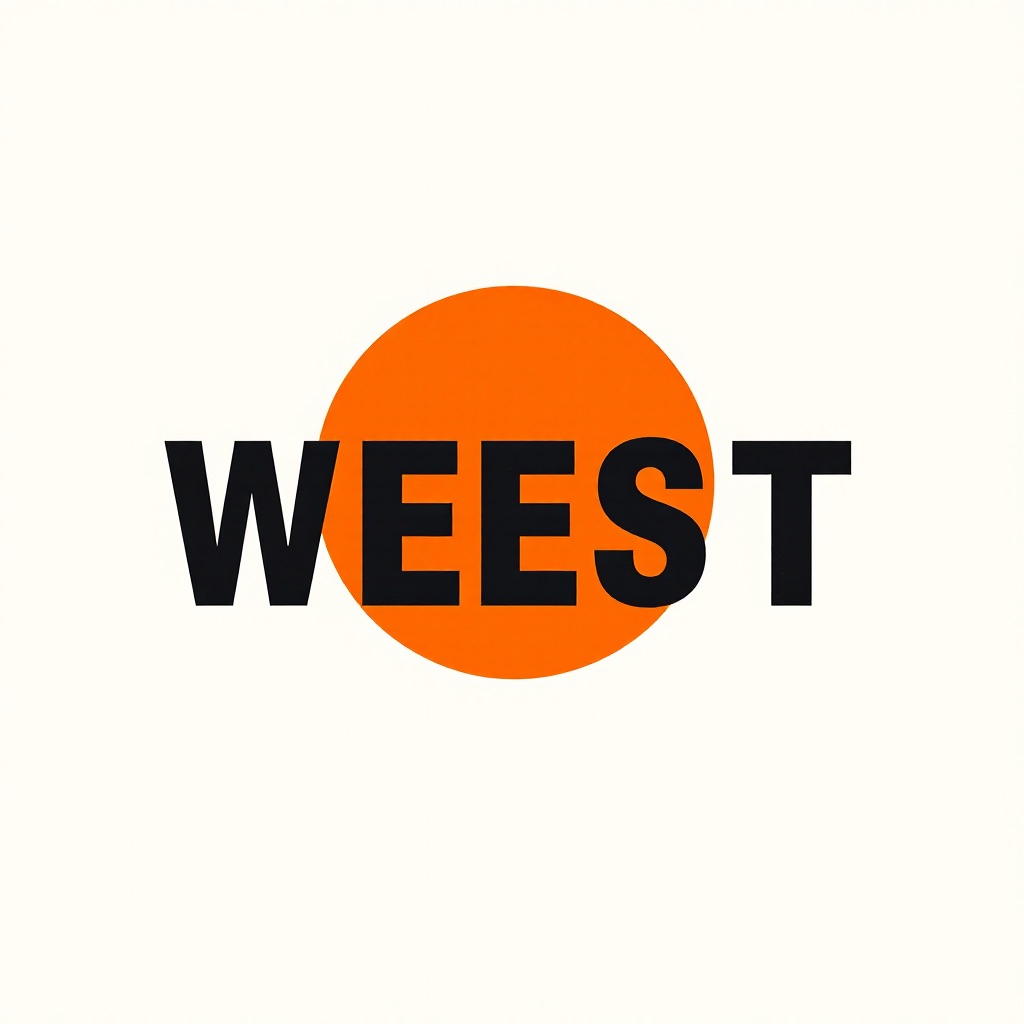
| Type poster | Qwen | Spelled “WEST FIVE” correctly on the first try. FLUX wrote “WEEST”. |
| Product shot | Tie | Both are clean, label-free product shots. FLUX’s window light is a little more dramatic. |
| Interior | FLUX | Every requested element is there (terrazzo, lanterns, olive tree, window), plus believable depth. |
| Portrait | Qwen, narrowly | Softer and more editorial. Both drew ten natural fingers. |
| Overhead food | FLUX | A true overhead view with a balanced layout. Qwen shot it at an angle. |
| Mascot sticker | FLUX | A usable sticker with clean outlines. Qwen’s attempt came out washed out and unusable. |
- Small text gets garbled in both. Large headlines usually come out right, but fine print and product labels don’t. Set real type in a design tool on top.
- FLUX adds text to product surfaces if they’re left blank. Either use a negative prompt (
text, letters, label, watermark…) or pick a composition with no surface for text to land on. - Render several and pick one. For client shots, make 3–4 seeds and check them before choosing. Don’t send the first render.
Running it
The Hermes skill local-image-studio drives both engines. Every image is saved by date with a .license-notice.txt next to it, so no one mistakes a Qwen rough for a final.
# see which backends are ready
image_studio.py --list

# research rough (Qwen-Image 2.1, non-commercial)
image_studio.py "<prompt>" --square --backend mflux --profile rough

# client final (FLUX.1 schnell, Apache-2.0)
image_studio.py "<prompt>" --square --backend flux --profile cinematic